
Your own booking page for direct bookings
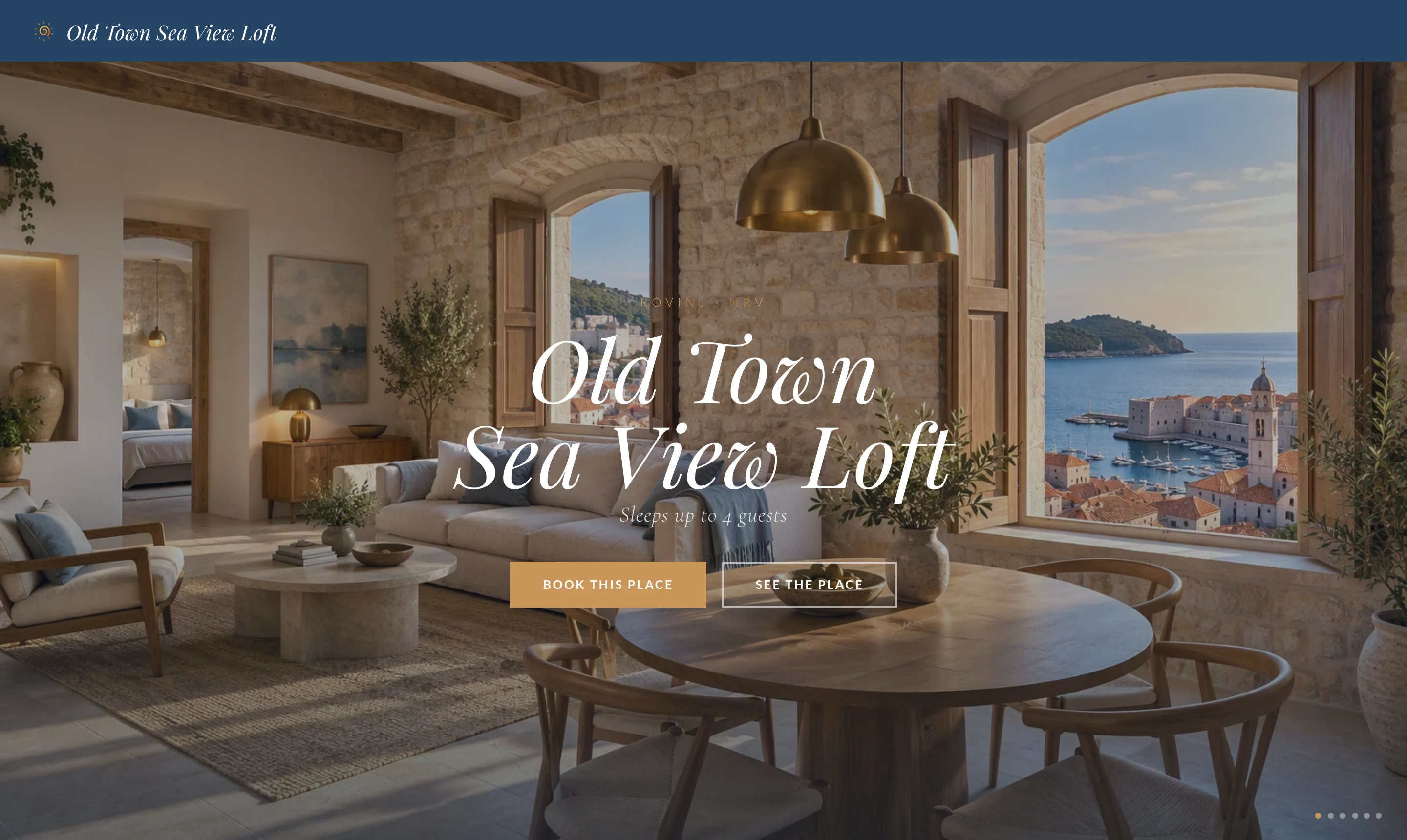
Create a booking page for every unit in a few clicks: photos, description, house rules, live availability and your prices. Guests book directly, and the reservation lands in your calendar with online check-in and access keys, like any other booking.
- Ready in a few clicks: choose a short address like luvihub.com/apartments/your-unit, add photos and a description, and check the preview on desktop and phone in every language before you publish.
- Live prices and availability: guests see your calendar with your prices. Minimum stay, rate plans such as non-refundable or long stay, and cancellation policies come from the same pricing you manage for all channels.
- Share it anywhere: copy the link, print the QR code or the ready A6 card for the apartment and your flyers. If a property has several units, there is also a page for the whole property.
- Bookings arrive on their own: the reservation appears in the calendar and starts the online check-in and the keys, and guests can write to you in the guest chat.
Direct bookings next to Booking.com and Airbnb
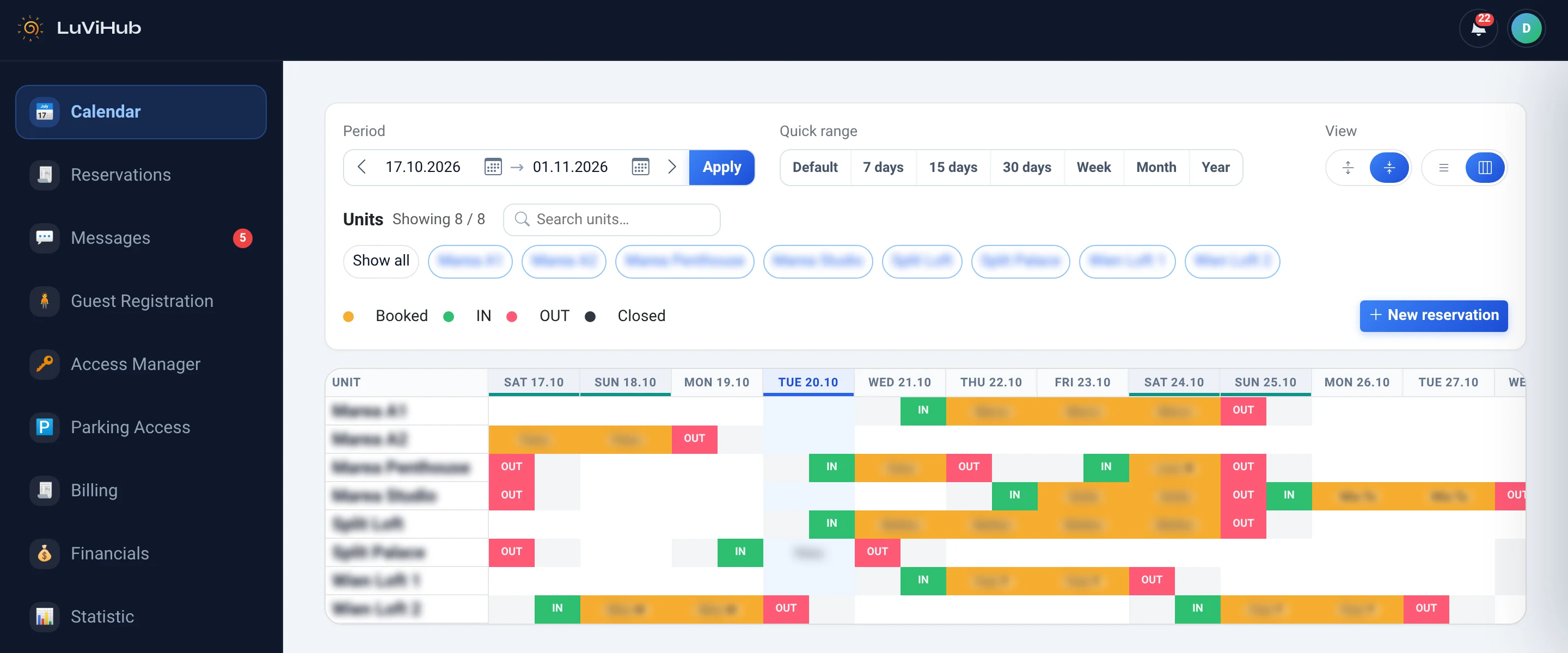
The booking page is part of the same system as your calendar. With Plus, the channel manager also keeps Booking.com and Airbnb in sync, so a booking on your own page closes the dates everywhere. The booking page is included in every package, even Basic (€4 per unit and month, plus VAT — your first unit is free with Basic).
Questions
Do I need my own website?
No. The booking page works on its own at a short address; you can also link it from your own website or social profiles.
Which languages does the page support?
English is shown in any language without its own text; you can add German, Italian and Croatian descriptions.
How do guests pay?
Guests choose dates, guests and a rate plan and pay online by card, where online payment is switched on for your company.
Can I take the page offline?
Yes, you can unpublish it at any time. If you change the address, the old one keeps working for 30 days.
Be the first to know when we open
Leave your email on the home page and we will let you know as soon as registration opens.